"Moving to E5 has been really good from a security point of view... Now we can get a holistic view of what’s going on, which helps us to make changes and recommendations for future plans."
IT Service Manager
Ian Harkess
Trusted by industry leaders
Kickstart Your FastTrack Journey
Fill out the short form below to express your interest in our FastTrack programme, and we’ll be in touch soon.
Please note: A minimum of 150 enterprise licenses is required for FastTrack eligibility.
“We needed to find solutions to a variety of issues whilst being a complex business, operating in a 24/7 environment. Stripe OLT listened and understood immediately the challenges we faced.”
IT Operations Manager
Simon Darley
Trusted by industry leaders
Let's Talk
Call us on one of the numbers below, we cover the whole of the UK, so call the nearest office.
“We needed to find solutions to a variety of issues whilst being a complex business, operating in a 24/7 environment. Stripe OLT listened and understood immediately the challenges we faced.”
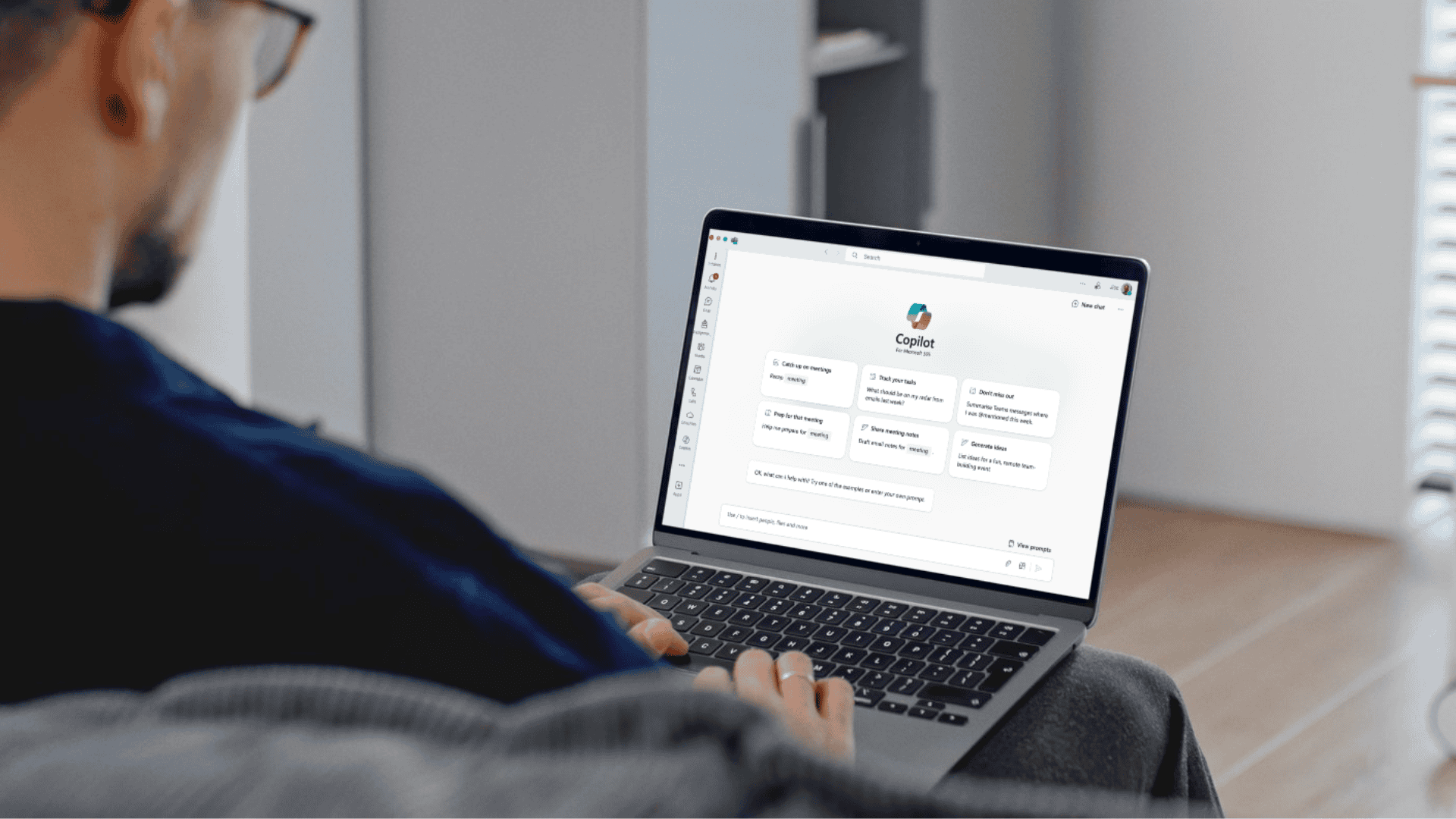
Learn how Microsoft 365 Copilot is evolving with new AI agents and personalisation features, and what that means for enterprise adoption and governance.
“AI remains a tool that needs governance, not blind adoption.”
When Microsoft first introduced Copilot, it was positioned as a productivity enhancer – something that could summarise documents, rewrite content, or speed up everyday workflows. Useful, certainly, but not transformative.
Over time, however, we’re seeing Copilot evolve into something more strategic. Less of a glorified autocomplete, and more of a functional layer capable of handling real operational tasks, particularly for knowledge workers and analysts.
That shift is becoming clearer with the latest updates: the launch of Researcher and Analyst, two new agents designed to handle more complex reasoning tasks within Microsoft 365. Alongside this, Microsoft is rolling out enhanced personalisation, giving users a more responsive and context-aware experience.
These updates don’t change the security fundamentals (AI remains a tool that needs governance, not blind adoption) but it does mean the feature set is finally catching up with the enterprise hype.
Researcher & Analyst: New Reasoning Agents for Microsoft 365 Copilot
These two newest agents are now generally available for Copilot-licensed users:
Researcher helps with structured information-gathering tasks. It can summarise source material across multiple documents, generate research briefs, and assist with knowledge discovery – without needing to leave the Microsoft 365 environment.
Analyst is more data focused. It allows users to perform analysis across Excel files, generate code using Python, and return visuals or calculations. Crucially, the code it generates is viewable and auditable, which makes it easier to assess and verify output. A welcome addition from a governance standpoint…
These features are now built into the core Copilot app and provide up to 25 queries per user per month, depending on license terms.
For IT leaders, this is where things get more interesting, Copilot is no longer a single assistant – it’s turning into a framework of role-specific agents designed to support deeper business tasks.
Enhanced Personalisation: Rolling Out September 2025
Also landing in early September is Microsoft’s enhanced personalisation capability for Copilot – something I’m particularly looking forward to.
This includes:
Memory of user preferences
Adaptive responses that improve over time
Interface adjustments based on individual usage
Something to consider: This update is on by default for licensed users but can be controlled at the admin level. Microsoft has stated that memory and user data are managed with clear deletion controls – though, as always, organisations will want to verify policy alignment before enabling this widely.
While this isn’t a headline-grabbing feature, it’s a meaningful step forward – one that improves usability, especially for frequent Copilot users working on varied workloads across M365 apps.
What This Means for Security-Conscious Business Leaders
As with any new capability, these updates should be assessed through a risk-aware lens. Here’s what to keep in mind:
Feature
Considerations
Researcher Agent
Streamlines research workflows, but could pull from sensitive documents, admins should review data access policies
Analyst Agent
Adds real utility for data-heavy teams. Review code output processes and clarify who’s responsible for validation
Personalisation
Improves user experience, but requires trust in Microsoft’s handling of memory and context storage
Agent-Based Approach
Indicates that Microsoft sees AI as a long-term interface, policies will need to evolve to match that reality
Final Thought: Not Just New Features, More Mature Use Cases
These Copilot developments aren’t flashy, and that’s a good thing. Rather than marketing-driven hype, we’re seeing small improvements that make Copilot more useful, more structured, and more aligned with the real needs of enterprise users.
That said, any time AI is making decisions, generating data, or accessing internal systems, it should be treated as part of your broader risk surface.
Adoption should be paired with:
Internal testing and usage limits
Clear prompt guidance for different teams
Policy updates aligned to evolving use cases
From what I can see Copilot is becoming more capable, but that doesn’t mean it’s ready for unrestricted use across every department. As always, the value lies in controlled implementation.
If you’re looking to understand the risks in your estate – get in touch. We can help you assess where Copilot fits, what controls you need, and how to deploy it securely.
Modern Business Email Compromise (BEC) attacks often rely on compromised mailboxes rather than obvious account takeovers. In this article, we'll explore the tactics observed in recent investigations, the signs defenders should look for and practical steps organisations can take to reduce risk.
Remote access technologies have become a staple of modern business operations, enabling secure connectivity for distributed workforces and third-party suppliers. But as cyber defenders have learnt time and time again, threat actors are often quick to adopt the same legitimate tools organisations rely on every day.
Mesh VPN platforms such as Tailscale, Headscale, ZeroTier, Nebula and Netmaker provide secure, encrypted connectivity between devices. While valuable for legitimate remote access, those same capabilities can also be abused by attackers seeking persistent access to compromised systems.
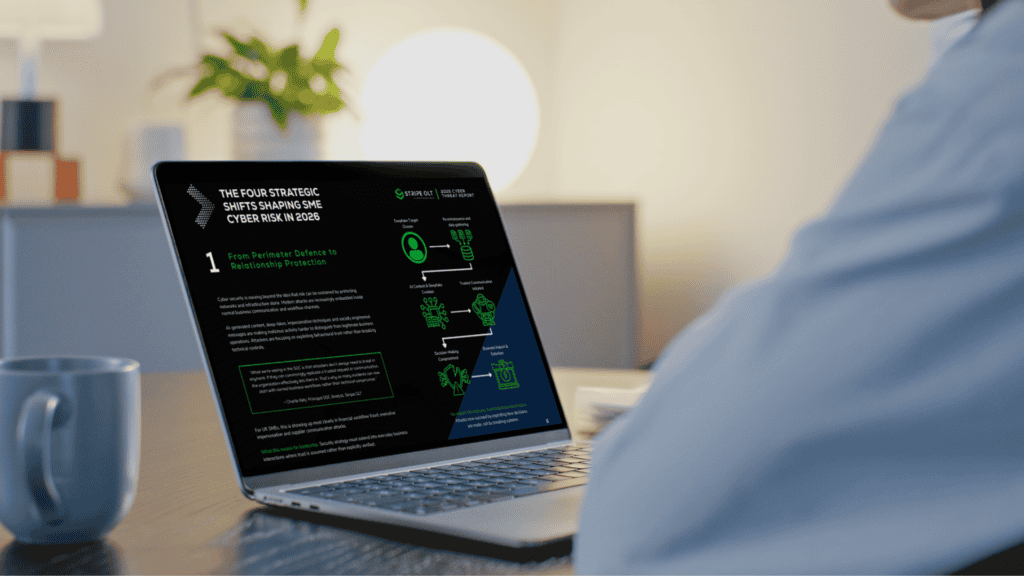
The 2026 Cyber Threat Report explores how attackers are exploiting people, identities and trust to bypass traditional defences, helping UK SME leaders understand the risks they need to prioritise in 2026.
Canary Tokens offer a practical way to strengthen detection and visibility. In this article, we'll explore how they work, where they add value, and how organisations can use them as part of a wider security strategy.
Our SOC team recently uncovered hidden surveillance functionality within a trusted browser extension, including capabilities designed to collect browsing activity, generate unique identifiers and communicate with external infrastructure.
This article breaks down CVE-2026-32201, a zero-day spoofing vulnerability in Microsoft SharePoint Server. You’ll learn how the flaw works, why “spoofing” is more dangerous than it sounds, and what your team needs to do right now if on-premises SharePoint is part of your environment.
This report provides a detailed analysis of OAuth token abuse, focusing on how threat actors bypass defensive security measures to gain unauthorised access.
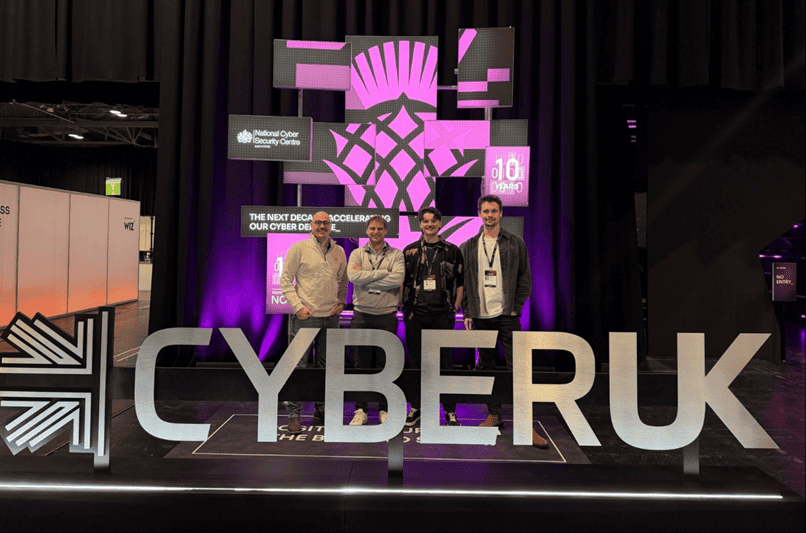
This Expert Intel summarises the key cyber security themes from CYBERUK 2026, exploring how AI is accelerating attacker capability, why identity remains the primary control gap, and what UK based organisations should prioritise to strengthen detection, response, and supply chain resilience.
Microsoft is reshaping its licensing strategy with the introduction of Microsoft 365 E7, new pricing changes, continued Teams separation, and additional security and AI functionality being bundled into existing licences. For organisations investing in AI, automation, security, and compliance, these changes could significantly affect licensing costs, procurement decisions, and long-term Microsoft 365 strategy.
This report provides an in‑depth analysis of the Tycoon2FA phishing‑as‑a‑service platform, including how it bypasses MFA and harvests credentials through session authentication cookies. In addition, the report outlines recommended mitigation strategies to help prevent and detect this phishing technique.
In this intel we set out to understand the changing landscape of trust, in a digital world where AI-generated code is permeating the software supply chain at scale and AI-enabled phishing is making adversarial infrastructure harder than ever to distinguish from the real thing.
This website uses cookies. By using this site you agree to our use of cookies. We use cookies to enhance your experience. To understand the specific cookies we use and how we handle your data, see our Cookie Policy, Privacy Policy and Terms & Conditions. Manage your preferences at any time by clicking the 'View Preferences' button.
Functional
Always active
The technical storage or access is strictly necessary for the legitimate purpose of enabling the use of a specific service explicitly requested by the subscriber or user, or for the sole purpose of carrying out the transmission of a communication over an electronic communications network.
Preferences
The technical storage or access is necessary for the legitimate purpose of storing preferences that are not requested by the subscriber or user.
Statistics
The technical storage or access that is used exclusively for statistical purposes.The technical storage or access that is used exclusively for anonymous statistical purposes. Without a subpoena, voluntary compliance on the part of your Internet Service Provider, or additional records from a third party, information stored or retrieved for this purpose alone cannot usually be used to identify you.
Marketing
The technical storage or access is required to create user profiles to send advertising, or to track the user on a website or across several websites for similar marketing purposes.