"Moving to E5 has been really good from a security point of view... Now we can get a holistic view of what’s going on, which helps us to make changes and recommendations for future plans."
IT Service Manager
Ian Harkess
Trusted by industry leaders
Kickstart Your FastTrack Journey
Fill out the short form below to express your interest in our FastTrack programme, and we’ll be in touch soon.
Please note: A minimum of 150 enterprise licenses is required for FastTrack eligibility.
“We needed to find solutions to a variety of issues whilst being a complex business, operating in a 24/7 environment. Stripe OLT listened and understood immediately the challenges we faced.”
IT Operations Manager
Simon Darley
Trusted by industry leaders
Let's Talk
Call us on one of the numbers below, we cover the whole of the UK, so call the nearest office.
“We needed to find solutions to a variety of issues whilst being a complex business, operating in a 24/7 environment. Stripe OLT listened and understood immediately the challenges we faced.”
How Microsoft is continuing to enhance the security features offered across Business Premium, E3 and E5 plans.
"Keeping on top of the ever-changing Microsoft licenses and their features is crucial to success in 2026 - especially if you want to maintain a robust security posture for the year ahead."
By now, most of us are familiar with Microsoft’s rapid release cycle, with new features landing almost weekly. And as we move into 2026 that’s not slowing down, Microsoft 365 continues to strengthen the security baseline for businesses – not through radical platform shifts, but by consolidating identity, device, and collaboration protection directly into core licences.
For SMEs, this means that built-in security features are becoming more comprehensive across Business Premium, E3, and E5 plans. However, the practical benefits still rely on how organisations configure policies, monitor alerts, and respond to incidents. Understanding these updates early is key to maintaining a robust security posture and ensuring your business is protected against evolving threats.
Microsoft’s 2026 Direction – Fewer Add-Ons, More Built-In Security
Microsoft’s strategic focus this year is clear: simplify licensing, embed Zero Trust principles, and make advanced security more accessible to smaller organisations.
So, what does this actually mean in practice? Below, we break down how core Microsoft 365 security features will evolve across business licences in 2026.
What this means by licence tier:
Security Feature
Business Premium
Microsoft 365 E3
Microsoft 365 E5
New for 2026
Email & Collaboration Protection
Included: Defender for Office 365 Plan 1 providing phishing, malware, and malicious link protection.
Included: Defender for Office 365 Plan 1 expanded into E3.
Included: Defender for Office 365 Plan 2 with automated investigation and response.
Plan 1 features broadened and strengthened as part of the baseline.
URL & Link Protection
Included: Safe Links checks across email and core Microsoft apps.
Included: Expanded Safe Links coverage across more Microsoft 365 services.
Included: Advanced threat insights and correlation with other security signals.
Link protection increasingly embedded rather than delivered as a bolt-on.
Endpoint & Device Security
Included: Intune Plan 1 for device compliance, baseline security policies, and management.
Add-on: Basic, siloed alerts without additional Defender licences.
Add-on: Enhanced detection available via licence bundles or Defender add-ons.
Included: Microsoft Defender XDR with cross-domain visibility and correlation.
Improved signal correlation across email, identity, and endpoints.
AI-Driven Security (Security Copilot)
Not available.
Not available.
Included (E5 only): Security Copilot agents and AI-assisted investigation workflows.
AI-driven security assistance introduced at the top tier.
Availability of Enterprise-Grade Add-Ons
Available: Defender and Purview add-ons can extend protection toward enterprise-level capability.
Available: Defender Suite and compliance add-ons available.
Included: Full Defender and Purview capabilities included.
Reduced reliance on bolt-ons as core licences absorb more functionality.
Key takeaway for 2026: Many features that were previously available as add-ons are now included in standard licences, which raises the default security baseline for SMEs. Some advanced capabilities, however, unsurprisingly remain exclusive to E5 licences.
Security Features in Practice: What Actually Protects Your Business
Let’s take a closer look at the core Microsoft 365 security features and how they translate into practical protection for SMEs.
1. Email and Collaboration Protection
Across Business Premium, E3, and E5, Microsoft is expanding Defender for Office 365 capabilities:
Broader inclusion of Plan 1 features
Improved Safe Links and Safe Attachments coverage
Enhanced post-delivery visibility
Impact for SMEs: These updates reduce exposure to phishing attacks, malware, and credential harvesting. Businesses that configure their policies appropriately and actively monitor alerts can see significant improvement in email and collaboration security.
Operational note: Default policies are conservative, so SMEs need to tune policies, manage alerts, and train staff to maximise protection.
2. Identity Security and Conditional Access Improvements
Microsoft has introduced further enhancements within Entra ID (formerly Azure AD) to improve identity protection and enable more practical Zero Trust adoption for SMEs:
Expanded identity protection signals and risk-based access controls
More flexible Conditional Access policies
Better visibility into risky sign-ins and account behaviour
Impact for SMEs: These changes ultimately allow businesses to protect user accounts more effectively and to adopt Zero Trust principles in a realistic way.
Operational note: Misconfigured Conditional Access policies remain a common failure point. SMEs should review policies regularly to ensure they provide security without disrupting workflows.
4. Advanced Detection, Investigation, and Response
Defender XDR (available primarily to E5 licences) unifies alerts across email, identity, and endpoints, giving SOC teams faster detection and response.
Microsoft is strengthening Defender XDR in 2026 with deeper AI-driven detection, expanded advanced hunting capabilities, and new always-on threat-detection agents. Early updates include faster advanced hunting, richer behavioural analytics, and enhanced UEBA-driven insights that help correlate identity and endpoint activity more quickly. Security Copilot is also being integrated more tightly, providing autonomous threat-hunting, dynamic detection, and AI-generated threat intelligence briefings – all designed to reduce investigation time and make SOC teams more efficient.
These improvements help SMEs detect complex, low-and-slow attacks faster, giving security teams actionable signals without overwhelming them with siloed alerts. Automation supports human oversight rather than replacing it, allowing internal teams to focus on decisions and response while the platform handles repetitive investigation tasks. This is where a managed SOC can really add value to your existing E5 investment.
What This Means for SMEs Using Business Premium, E3, or E5
Different Microsoft 365 licences suit different business profiles, depending on size, risk exposure, and internal capability:
Business Premium – Best suited to small to mid-sized organisations with limited internal IT resources that want strong, built-in email and endpoint protection, along with basic Conditional Access, without operational complexity.
Microsoft 365 E3 – Ideal for growing SMEs with hybrid working, higher regulatory expectations, or an internal IT function that needs greater control over identity and devices, plus improved visibility into risky user activity.
Microsoft 365 E5 – Designed for security-mature organisations or SMEs operating in higher-risk sectors (e.g. legal, finance, professional services) that require advanced threat detection, automated investigation, and cross-domain visibility through XDR.
Built-in security now goes further than many SMEs expect, but complexity has not disappeared.
Where Configuration and Monitoring Still Matter Most
SMEs often experience gaps even with strong built-in security:
Alerts and notifications that go unreviewed
Default policies left unchanged
Lack of clear escalation paths for incidents
These challenges are solvable. Most SMEs already have the necessary tools and licences; they simply need clear ownership, regular review of alerts, and appropriately tuned policies to ensure that the platform delivers maximum security benefit.
Where Configuration and Monitoring Still Matter Most
We help SMEs turn Microsoft 365’s built-in security into real-world protection by:
Designing tailored configurations for each business environment
Managing ongoing monitoring and alert triage
Supporting internal teams to enhance visibility and confidence without replacing them
By working in partnership with internal teams, we help SMEs adopt Microsoft’s advanced security features effectively while maintaining operational efficiency.
Licence choice is important, but practical security outcomes rely on configuration, monitoring, and operational response.
Starting 2026 with underutilised security tools leaves unnecessary risk on the table. Reviewing your current Microsoft 365 configuration ensures you’re fully benefiting from the capabilities already available to you.
Modern Business Email Compromise (BEC) attacks often rely on compromised mailboxes rather than obvious account takeovers. In this article, we'll explore the tactics observed in recent investigations, the signs defenders should look for and practical steps organisations can take to reduce risk.
Remote access technologies have become a staple of modern business operations, enabling secure connectivity for distributed workforces and third-party suppliers. But as cyber defenders have learnt time and time again, threat actors are often quick to adopt the same legitimate tools organisations rely on every day.
Mesh VPN platforms such as Tailscale, Headscale, ZeroTier, Nebula and Netmaker provide secure, encrypted connectivity between devices. While valuable for legitimate remote access, those same capabilities can also be abused by attackers seeking persistent access to compromised systems.
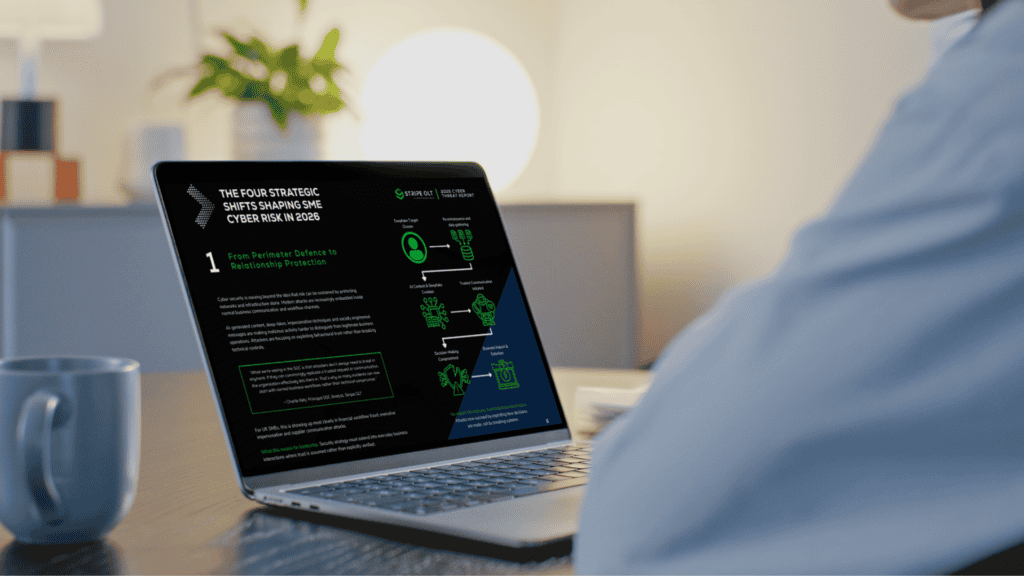
The 2026 Cyber Threat Report explores how attackers are exploiting people, identities and trust to bypass traditional defences, helping UK SME leaders understand the risks they need to prioritise in 2026.
Canary Tokens offer a practical way to strengthen detection and visibility. In this article, we'll explore how they work, where they add value, and how organisations can use them as part of a wider security strategy.
Our SOC team recently uncovered hidden surveillance functionality within a trusted browser extension, including capabilities designed to collect browsing activity, generate unique identifiers and communicate with external infrastructure.
This article breaks down CVE-2026-32201, a zero-day spoofing vulnerability in Microsoft SharePoint Server. You’ll learn how the flaw works, why “spoofing” is more dangerous than it sounds, and what your team needs to do right now if on-premises SharePoint is part of your environment.
This report provides a detailed analysis of OAuth token abuse, focusing on how threat actors bypass defensive security measures to gain unauthorised access.
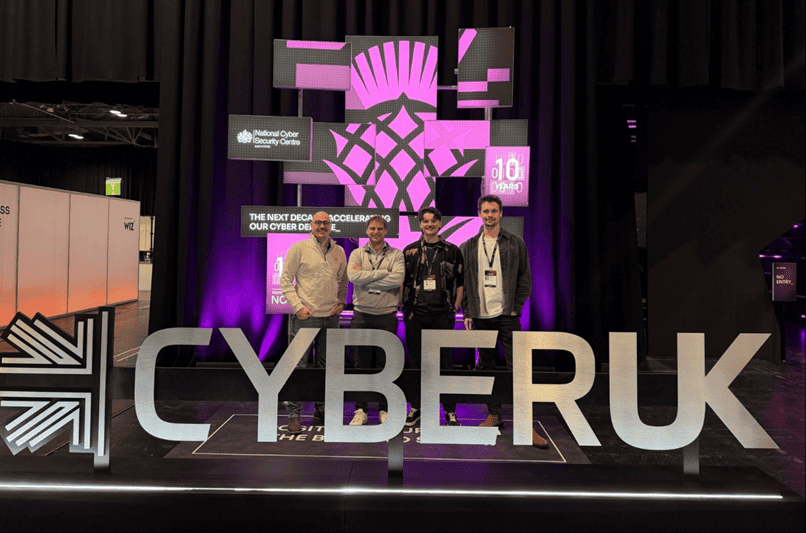
This Expert Intel summarises the key cyber security themes from CYBERUK 2026, exploring how AI is accelerating attacker capability, why identity remains the primary control gap, and what UK based organisations should prioritise to strengthen detection, response, and supply chain resilience.
Microsoft is reshaping its licensing strategy with the introduction of Microsoft 365 E7, new pricing changes, continued Teams separation, and additional security and AI functionality being bundled into existing licences. For organisations investing in AI, automation, security, and compliance, these changes could significantly affect licensing costs, procurement decisions, and long-term Microsoft 365 strategy.
This report provides an in‑depth analysis of the Tycoon2FA phishing‑as‑a‑service platform, including how it bypasses MFA and harvests credentials through session authentication cookies. In addition, the report outlines recommended mitigation strategies to help prevent and detect this phishing technique.
In this intel we set out to understand the changing landscape of trust, in a digital world where AI-generated code is permeating the software supply chain at scale and AI-enabled phishing is making adversarial infrastructure harder than ever to distinguish from the real thing.
This website uses cookies. By using this site you agree to our use of cookies. We use cookies to enhance your experience. To understand the specific cookies we use and how we handle your data, see our Cookie Policy, Privacy Policy and Terms & Conditions. Manage your preferences at any time by clicking the 'View Preferences' button.
Functional
Always active
The technical storage or access is strictly necessary for the legitimate purpose of enabling the use of a specific service explicitly requested by the subscriber or user, or for the sole purpose of carrying out the transmission of a communication over an electronic communications network.
Preferences
The technical storage or access is necessary for the legitimate purpose of storing preferences that are not requested by the subscriber or user.
Statistics
The technical storage or access that is used exclusively for statistical purposes.The technical storage or access that is used exclusively for anonymous statistical purposes. Without a subpoena, voluntary compliance on the part of your Internet Service Provider, or additional records from a third party, information stored or retrieved for this purpose alone cannot usually be used to identify you.
Marketing
The technical storage or access is required to create user profiles to send advertising, or to track the user on a website or across several websites for similar marketing purposes.