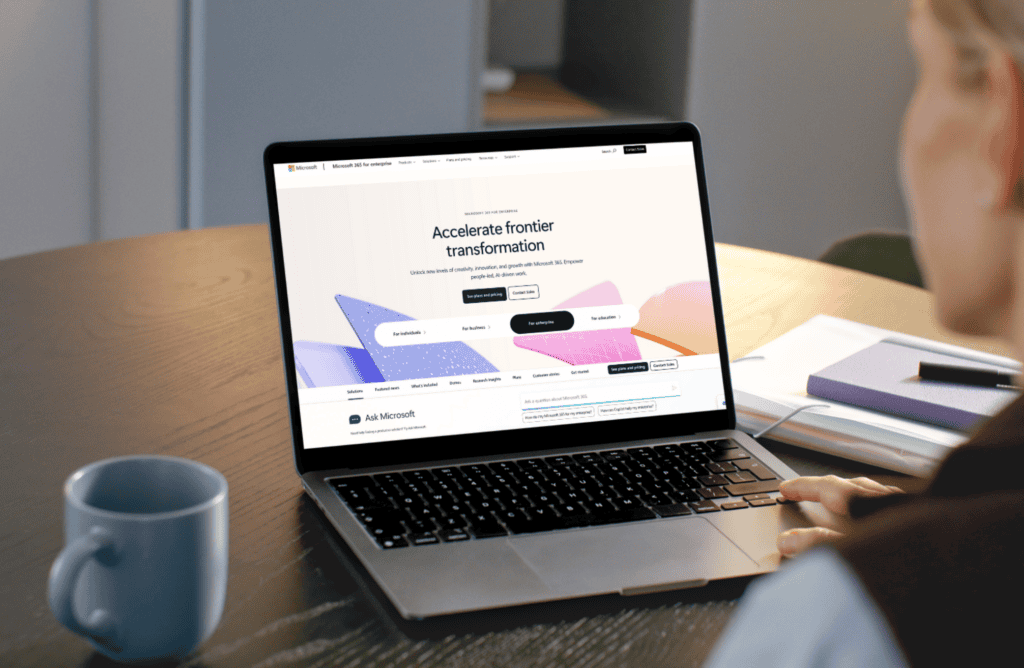



If you haven’t heard by now, Windows 10 reaches end-of-life on October 14, 2025. After that, it’s no more security updates, no support, and no safety net.
For most businesses, that means upgrading to Windows 11. But here’s the thing, an OS migration isn’t just a tick-box IT task – it’s a complex project with real risks, dependencies, and long-term consequences if mishandled.
This isn’t a deep dive into every Windows 11 feature and why you need to upgrade. It’s a straight-talking guide to help you assess your next steps.
First some quick context, if you’re still running Windows 10 after the deadline, here’s what you’re exposing your business to:
“Threat actors love unsupported systems. Our SOC still sees legacy OS attacks years after EOL.”
Upgrading to Windows 11 can seem straightforward – until you hit real-world complexities. Even vendors like CrowdStrike have recently shown us how one misstep in a deployment can cause serious disruption…
These are the most common rollout pitfalls we see:
Yes, we all know the OS looks nicer, but here’s what’s genuinely useful for your business (from my perspective anyway) :
| Feature | Why it matters |
|---|---|
| Snap Layouts & Virtual Desktops | Simplifies multitasking, improves productivity |
| TPM 2.0 & Secure Boot | Helps block firmware-level attacks |
| Modern Device Management | Intune/Autopilot-ready for secure, remote deployments |
| Streamlined UI | Easier onboarding for new users & hybrid teams |
| Future Support | Windows 11 is Microsoft’s primary OS – support, features, and patches will all focus here |
“Windows 11 isn’t an optional upgrade, its a business requirement for maintaining a secure and compliant environment.”
So you don’t risk missing something crucial during your upgrade process, I’ve created a free, Windows 11 readiness checklist covering:
This is Not Just an Upgrade. It’s Risk Mitigation.
Whether you’re managing 30 or 3,000 devices, this isn’t something to leave to the last minute. A secure, staged upgrade takes time – but it’s far better than trying to fix it after the fact.
Crucially, rolling out a new OS without thinking about security, user disruption, and operational risk can create more problems than it solves.
If you’re looking for someone to support you with your Windows 11 project, get in touch here.