"Moving to E5 has been really good from a security point of view... Now we can get a holistic view of what’s going on, which helps us to make changes and recommendations for future plans."
IT Service Manager
Ian Harkess
Trusted by industry leaders
Kickstart Your FastTrack Journey
Fill out the short form below to express your interest in our FastTrack programme, and we’ll be in touch soon.
Please note: A minimum of 150 enterprise licenses is required for FastTrack eligibility.
“We needed to find solutions to a variety of issues whilst being a complex business, operating in a 24/7 environment. Stripe OLT listened and understood immediately the challenges we faced.”
IT Operations Manager
Simon Darley
Trusted by industry leaders
Let's Talk
Call us on one of the numbers below, we cover the whole of the UK, so call the nearest office.
“We needed to find solutions to a variety of issues whilst being a complex business, operating in a 24/7 environment. Stripe OLT listened and understood immediately the challenges we faced.”
Discover why Windows 10 End-of-Life poses a serious security risk, how Microsoft’s latest licensing changes impact your business, and why upgrading to Windows 11 and Microsoft 365 E5 Security is crucial.
"This isn’t just about licensing changes or operating system updates, it’s about future-proofing your business against cyber security threats."
When it comes to technology, standing still is the fastest way to fall behind; attackers are getting more sophisticated, leveraging AI-powered threats, credential theft, and supply-chain vulnerabilities.
With Microsoft’s latest licensing changes and the upcoming Windows 10 End-of-Life, now is the time for IT leaders to reassess their security posture and ensure they’re not leaving critical gaps open to exploitation.
Two shifts from Microsoft should be flashing red flags for IT leaders:
The upcoming End-of-Life (EOL) for Windows 10 in October 2025
The availability of Microsoft 365 E5 Security as an add-on for Business Premium customers
Both represent changes in how businesses need to approach security and modernisation in the coming few months.
Let’s break down what this means for you and why proactive action today could save you from a security disaster tomorrow.
Windows 10 EOL: Why You Can’t Afford to Ignore This
Microsoft has confirmed that Windows 10 will officially reach End-of-Life on October 14, 2025. After this date, there will be:
No security updates – leaving systems exposed to zero-days, ransomware, and malware.
No technical support – making troubleshooting and maintenance a major risk.
No compliance guarantees – creating regulatory headaches for industries with security mandates.
“But Windows 10 will still work, right?”
Yes, technically. But the reality is that running an EOL operating system turns your business into a target. Cyber-criminals actively exploit unsupported software, and without security patches, you’re essentially leaving the doors to your business wide open for malicious actors.
What Should IT Leaders Do?
Start your Windows 11 migration strategy NOW – Don’t wait until Q4 2025 when you’ll be scrambling.
Assess hardware compatibility – Windows 11 has stricter system requirements, and some older machines may need to be replaced.
Plan for security & compliance – Unsupported operating systems violate many cyber security frameworks (ISO 27001, Cyber Essentials, NIST, etc.).
Consider Microsoft 365 cloud-first strategies – A Windows 11 upgrade is the perfect time to evaluate Microsoft’s security stack and ensure you’re leveraging best-in-class protection.
Microsoft 365 E5 Security: The Most Cost-Effective Upgrade You Can Make
At the same time, this month, Microsoft has announced a game-changing licensing update that could significantly boost security, without breaking the budget.
The Microsoft 365 E5 Security add-on is now available to Business Premium customers, meaning mid-sized organisations can now access enterprise-grade security without the full E5 price tag.
Enables Risk-Based Conditional Access, ensuring only verified, low-risk users access your systems.
Microsoft Defender for Identity (ITDR)
Detects and stops identity-based attacks, including privilege escalation and credential compromise—two of the most common attack vectors today.
Microsoft 365 E5 Security: The Most Cost-Effective Upgrade You Can Make
80% of breaches involve compromised credentials. → Attackers aren’t just targeting devices; they’re targeting users. If you don’t have identity-based security, you’re a step behind.
AI-powered threats are evolving faster than traditional security. → Cybercriminals use AI to automate phishing, deepfake identities, and bypass MFA. If you’re not matching their sophistication, you’re at risk.
Hybrid Work & BYOD have killed the network perimeter. → Security must extend beyond endpoints and protect identities, cloud apps, and data flows.
What Should You Do Now?
Upgrade to Windows 11
Avoid security, compliance, and operational headaches from Windows 10 EOL.
Evaluate Your Microsoft Licensing
If you’re on Business Premium, the E5 Security add-on is your most cost-effective way to get enterprise-grade protection without a full E5 upgrade.
Identity-first security is the new standard. MFA alone isn’t enough—Defender XDR, Entra ID P2, and Defender for Identity should be core to your security strategy.
Get ahead of the curve now, or risk playing defence against attackers who never sleep.
Final Thoughts: Your Security Wake-Up Call
This isn’t just about licensing changes or operating system updates – it’s about future-proofing your business against cyber security threats.
Windows 10 EOL will create a security and compliance nightmare for businesses that don’t act.
Failing to upgrade security licensing leaves your identity and cloud infrastructure wide open to attackers.
The businesses that thrive will be those that proactively modernise, adopt AI-driven security, and take identity protection seriously.
Realistically, for those that aren’t taking security seriously right now, the choice is simple… Upgrade now or become a target later.
If you need guidance navigating Microsoft’s security ecosystem, our team are here to help you maximise your Microsoft investment.
Book a free discovery session with us — we’ll help you identify quick wins and strengthen your security posture, before it starts causing you a problem.
Modern Business Email Compromise (BEC) attacks often rely on compromised mailboxes rather than obvious account takeovers. In this article, we'll explore the tactics observed in recent investigations, the signs defenders should look for and practical steps organisations can take to reduce risk.
Remote access technologies have become a staple of modern business operations, enabling secure connectivity for distributed workforces and third-party suppliers. But as cyber defenders have learnt time and time again, threat actors are often quick to adopt the same legitimate tools organisations rely on every day.
Mesh VPN platforms such as Tailscale, Headscale, ZeroTier, Nebula and Netmaker provide secure, encrypted connectivity between devices. While valuable for legitimate remote access, those same capabilities can also be abused by attackers seeking persistent access to compromised systems.
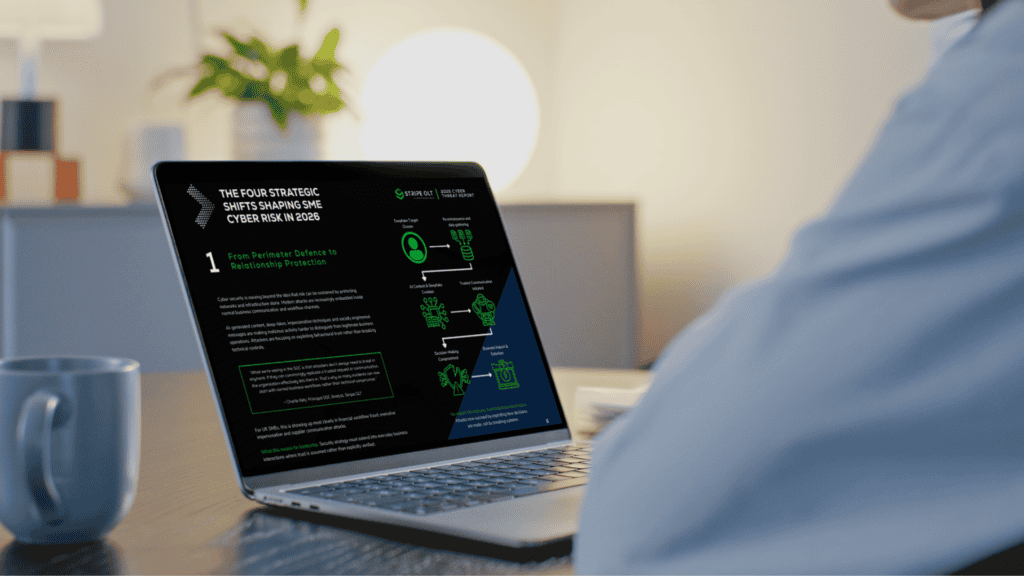
The 2026 Cyber Threat Report explores how attackers are exploiting people, identities and trust to bypass traditional defences, helping UK SME leaders understand the risks they need to prioritise in 2026.
Canary Tokens offer a practical way to strengthen detection and visibility. In this article, we'll explore how they work, where they add value, and how organisations can use them as part of a wider security strategy.
Our SOC team recently uncovered hidden surveillance functionality within a trusted browser extension, including capabilities designed to collect browsing activity, generate unique identifiers and communicate with external infrastructure.
This article breaks down CVE-2026-32201, a zero-day spoofing vulnerability in Microsoft SharePoint Server. You’ll learn how the flaw works, why “spoofing” is more dangerous than it sounds, and what your team needs to do right now if on-premises SharePoint is part of your environment.
This report provides a detailed analysis of OAuth token abuse, focusing on how threat actors bypass defensive security measures to gain unauthorised access.
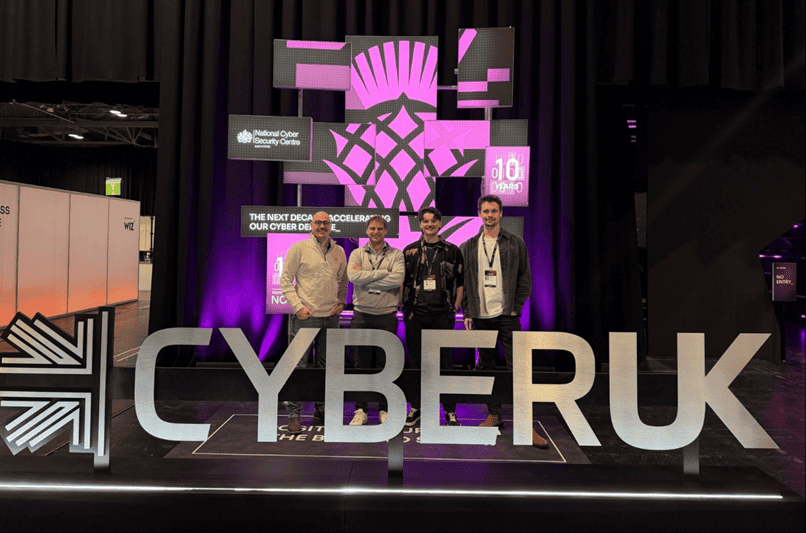
This Expert Intel summarises the key cyber security themes from CYBERUK 2026, exploring how AI is accelerating attacker capability, why identity remains the primary control gap, and what UK based organisations should prioritise to strengthen detection, response, and supply chain resilience.
Microsoft is reshaping its licensing strategy with the introduction of Microsoft 365 E7, new pricing changes, continued Teams separation, and additional security and AI functionality being bundled into existing licences. For organisations investing in AI, automation, security, and compliance, these changes could significantly affect licensing costs, procurement decisions, and long-term Microsoft 365 strategy.
This report provides an in‑depth analysis of the Tycoon2FA phishing‑as‑a‑service platform, including how it bypasses MFA and harvests credentials through session authentication cookies. In addition, the report outlines recommended mitigation strategies to help prevent and detect this phishing technique.
In this intel we set out to understand the changing landscape of trust, in a digital world where AI-generated code is permeating the software supply chain at scale and AI-enabled phishing is making adversarial infrastructure harder than ever to distinguish from the real thing.
This website uses cookies. By using this site you agree to our use of cookies. We use cookies to enhance your experience. To understand the specific cookies we use and how we handle your data, see our Cookie Policy, Privacy Policy and Terms & Conditions. Manage your preferences at any time by clicking the 'View Preferences' button.
Functional
Always active
The technical storage or access is strictly necessary for the legitimate purpose of enabling the use of a specific service explicitly requested by the subscriber or user, or for the sole purpose of carrying out the transmission of a communication over an electronic communications network.
Preferences
The technical storage or access is necessary for the legitimate purpose of storing preferences that are not requested by the subscriber or user.
Statistics
The technical storage or access that is used exclusively for statistical purposes.The technical storage or access that is used exclusively for anonymous statistical purposes. Without a subpoena, voluntary compliance on the part of your Internet Service Provider, or additional records from a third party, information stored or retrieved for this purpose alone cannot usually be used to identify you.
Marketing
The technical storage or access is required to create user profiles to send advertising, or to track the user on a website or across several websites for similar marketing purposes.